Run office tournaments people actually care about.
Brackets, leagues and pools for your workplace, with live standings on the office TV and results the players submit themselves.
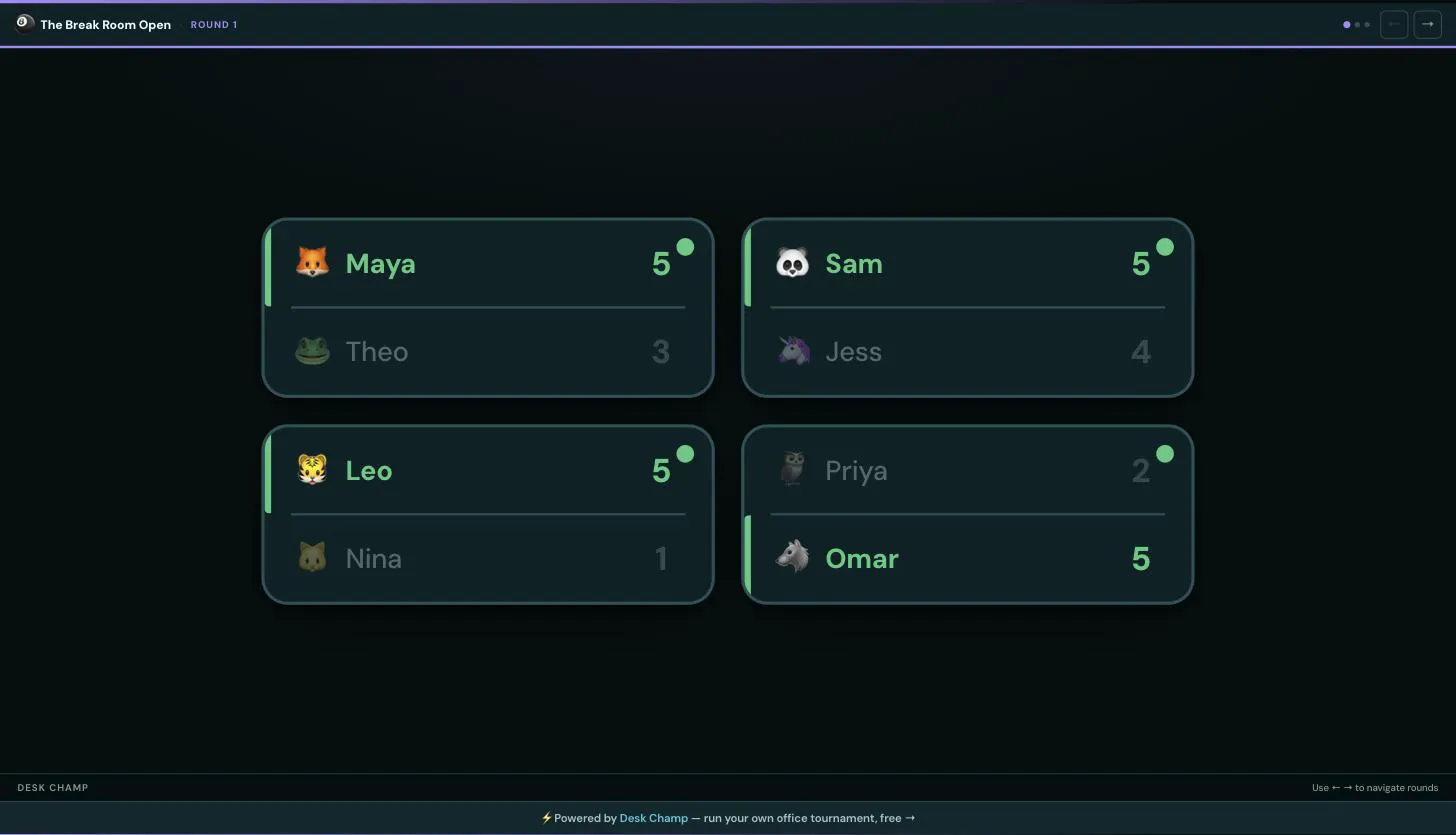
- Mayascore 5Theoscore 3
- Samscore 5Jessscore 4
- Leoscore 5Ninascore 1
- Priyascore 2Omarscore 5
- Mayascore 5Samscore 2
- Leoscore 5Omarscore 3
- Mayascore 5Leoscore 1
Put the bracket on the office TV
One click opens a high-contrast full-screen view of the bracket and standings for a shared screen or projector. A QR code on screen takes phones straight to the competition.
See every feature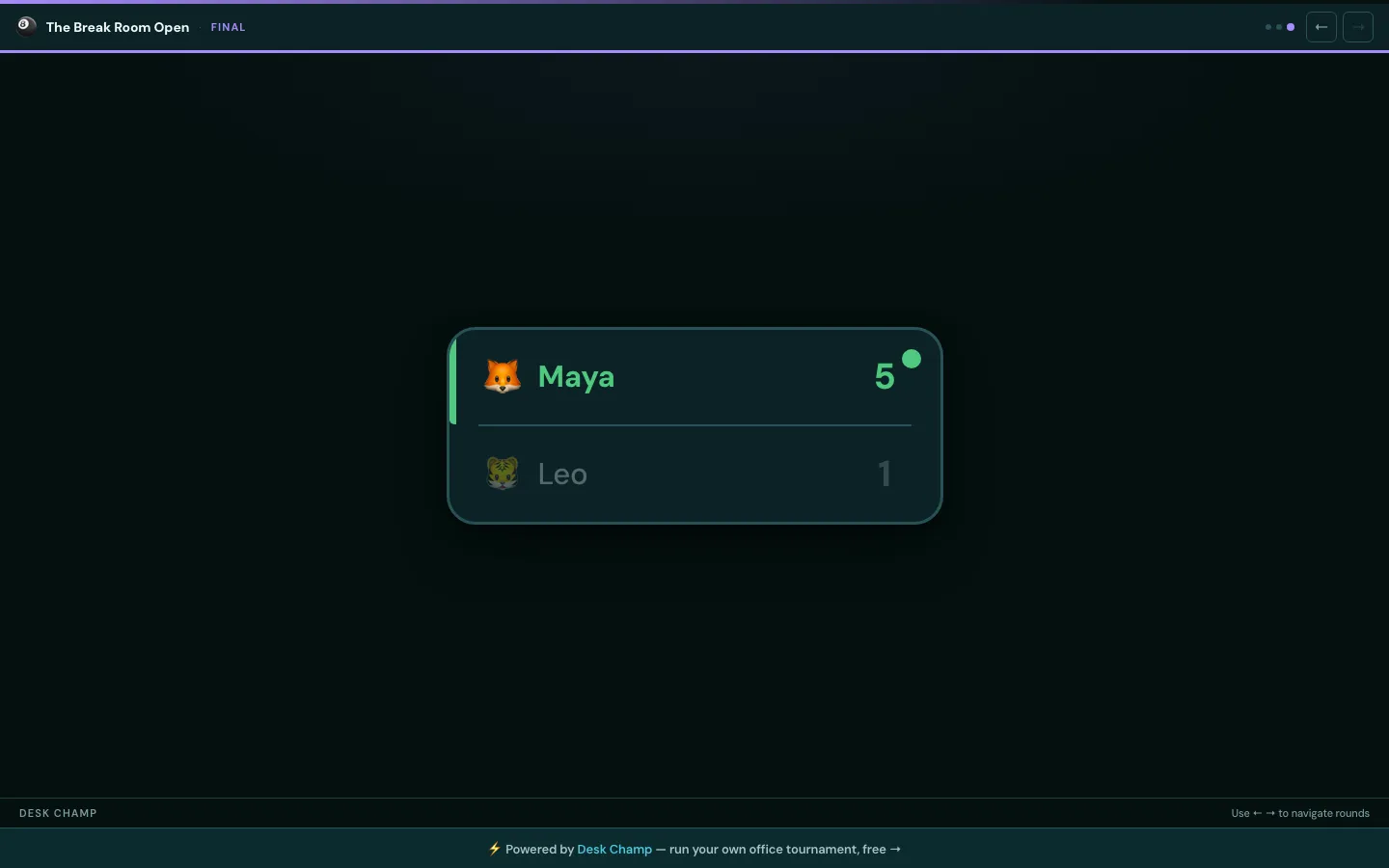
Three steps, then play
Create a competition
Pick a sport and format: single or double elimination, round robin, or doubles knockout.
Add players
Invite the office. Seeds and brackets are generated automatically.
Play & track
Live standings, lifetime stats, and a leaderboard that settles the bragging rights.
What a spreadsheet cannot do
- Results
Players submit their own scores
Anyone in the competition can propose a result from their phone. The organiser confirms or rejects it, and the bracket updates the moment it is confirmed.
- Deadlines
Emails that chase, so you do not
Every match gets a deadline. An email goes out when a match becomes ready, again a day before the deadline, and again when it is overdue. Overdue matches are flagged in the bracket.
- Stats
Records that outlive one bracket
Wins, matches played and win rate follow each player across every competition, with a leaderboard for the whole office.
A page for every office game
Also in the app: Air Hockey · Cornhole · Shuffleboard · Connect 4 · Jenga · Badminton · Basketball · Putting
Latest from the studio
How to Organise a Mario Kart Tournament at Work
A practical plan for organising a one-day office Mario Kart tournament: heats of four, a points table, a knockout final, timings for 8 to 32 players, and the settings to lock before race one.
How to Run an Office Table Tennis Ladder
Challenge ladder rules for office table tennis that hold up in practice: who you can challenge, how long they have to respond, match format, inactivity rules and how to seed the ladder on day one.
Pool Tournament Software: What It Actually Needs to Do
What to look for in pool tournament software or a bracket app for an office 8-ball competition, which features you can ignore, and when a whiteboard does the job fine.
Frequently asked questions
What is Desk Champ?
Desk Champ is free office tournament software. It runs brackets, leagues and pools for workplace games like pool, table tennis, Mario Kart, darts and foosball, with automatic seeding, live standings, lifetime stats and email reminders.
What formats does Desk Champ support?
Single elimination, double elimination, round-robin leagues and doubles knockouts. Pick the format when you create a competition and the bracket or league table is generated for you.
How many people can take part?
Any number. Desk Champ builds a balanced bracket or league for any player count, adding byes where needed so no one is disadvantaged.
Is Desk Champ free?
Yes. Creating and running a competition is free. Pick a sport, add players and start playing.
Do players need an account?
Organisers set up the competition and invite players. Players can submit their own results, which organisers confirm, so the standings stay up to date without one person chasing everyone.
Ready to crown a champion?
Free to set up. Your office will thank you.